
How do I clean the sensor after patient monitoring?
Follow these steps to clean the sensor:
- Remove sensor from patient and inspect the skin.
- Clean the sensor with a gauze soaked in 70% isopropanol or other approved cleaning agent.
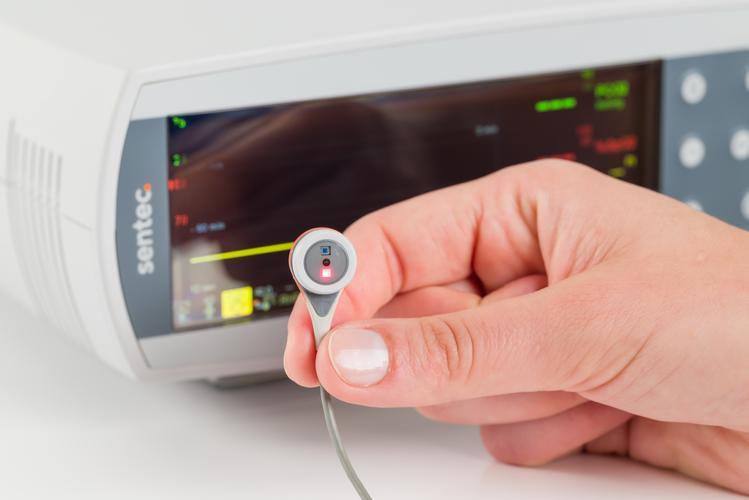
- Gently wipe the sensor surface, then clean the sides of the membrane ring.
- Avoiding strain on the cable, gently clean the sensor cable from the sensor head to plug.
- Visually inspect the sensor and membrane.
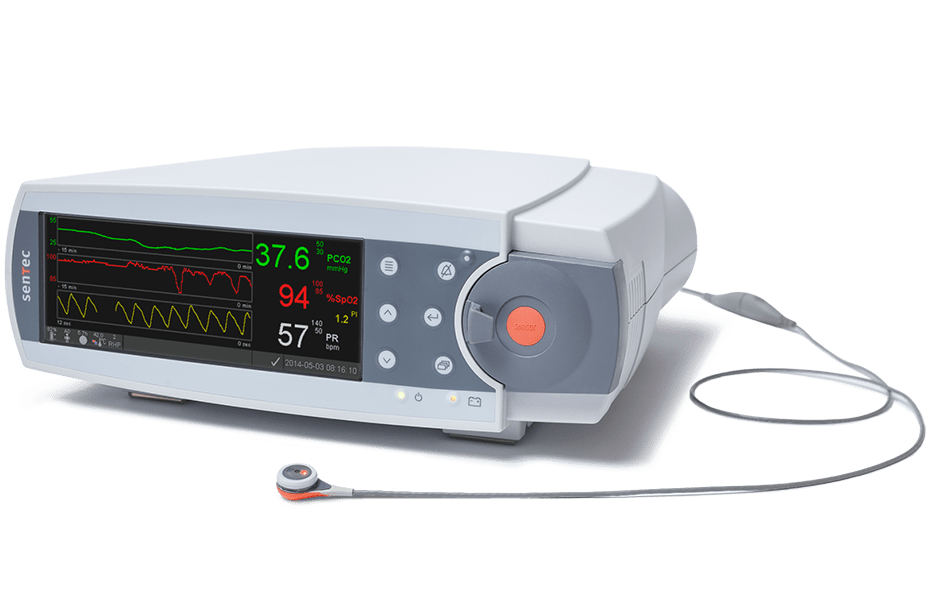
- Place the sensor in the Docking Station and allow it to calibrate.
- Once you see the “Ready for Use” screen on the SDM, you can start a new monitoring session.